Making ZFS ARC Grafana Panels FreeBSD-Compatible

Making ZFS ARC Grafana Panels FreeBSD-Compatible

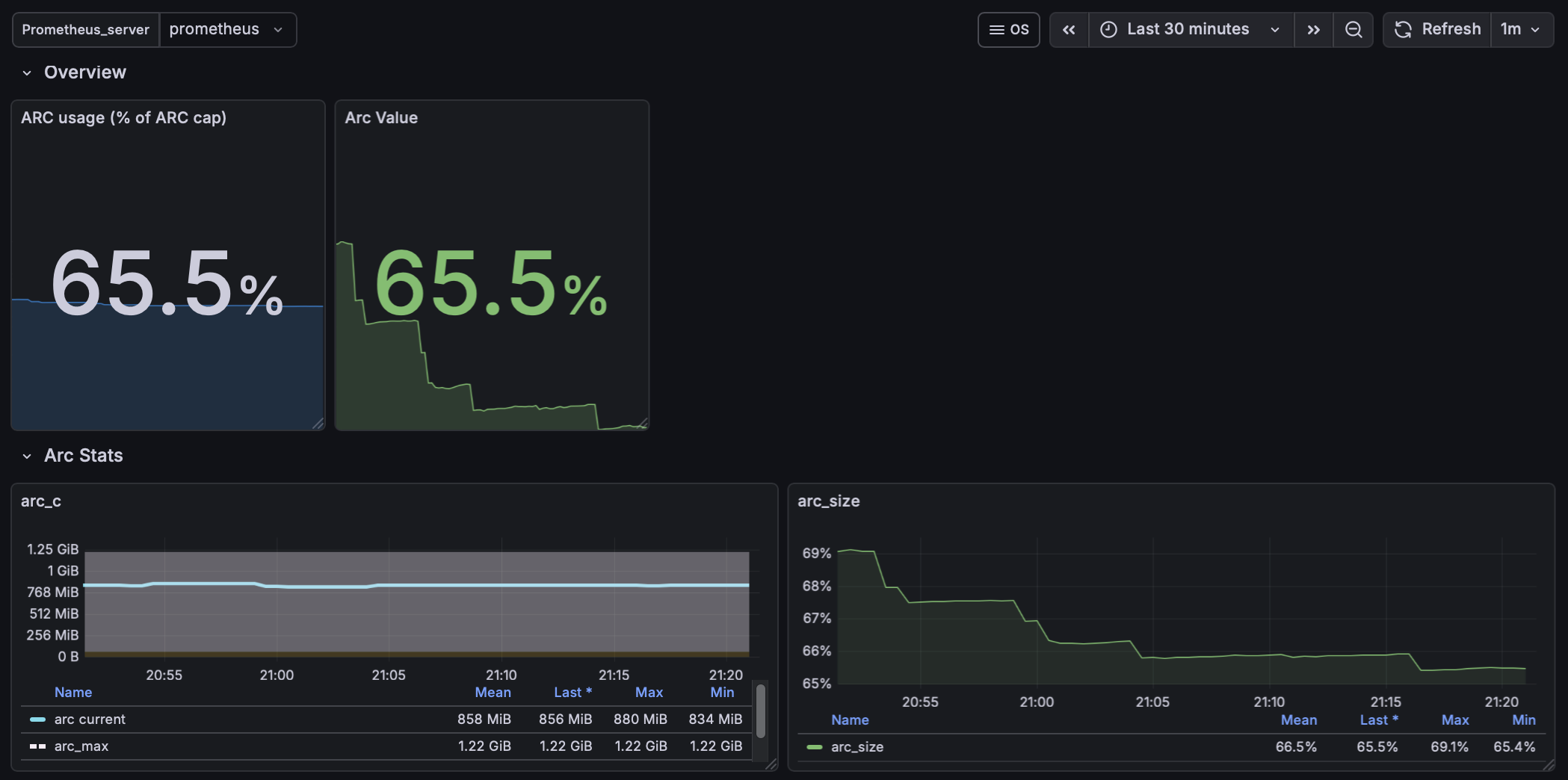
These are the steps I took to make an imported ZFS/Grafana dashboard work correctly on FreeBSD. The panels assumed Linux exporters and referenced metrics that do not exist on FreeBSD. The result was a dashboard full of empty panels. This walkthrough shows how I identified the missing ARC kstats, exported them cleanly, and refactored the panels to reflect the real FreeBSD kernel state.

Host: clemente (10.10.0.1)
Stack: FreeBSD + node_exporter (textfile collector) + Prometheus + Grafana
Date: 2026-02-10


Overview (Context & Goal)

grafana ZFS FreeBSD.

FreeBSD ZFS Grafana Panel.

 …

Fixing a Broken Migration Assistant Clone on macOS Tahoe

Date: 2026-02-10
Host: new Mac (macOS Tahoe)
Context: Migration Assistant clone from older Mac failed

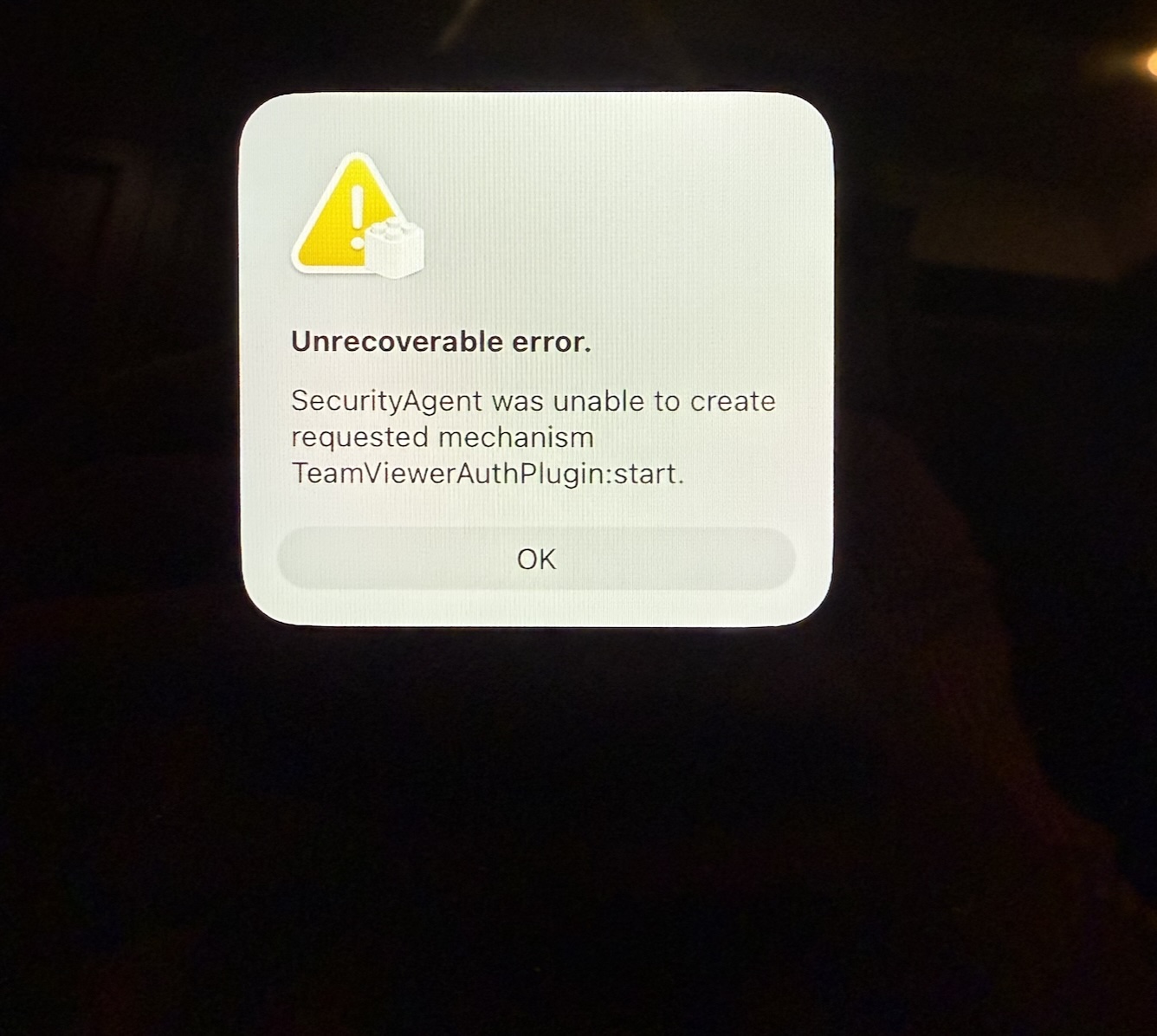
Unrecoverable error.

SecurityAgent was unable to create requested mechanism TeamViewerAuthPlugin:start.


Summary

First day using macOS Tahoe, immediately greeted with a broken Migration Assistant clone from an older Mac. The system failed to reach the login window due to a corrupted SecurityAgent authorization plugin left behind by TeamViewer. This caused login to fail and wedged Setup Assistant in a deadlock during post-migration initialization.


 …

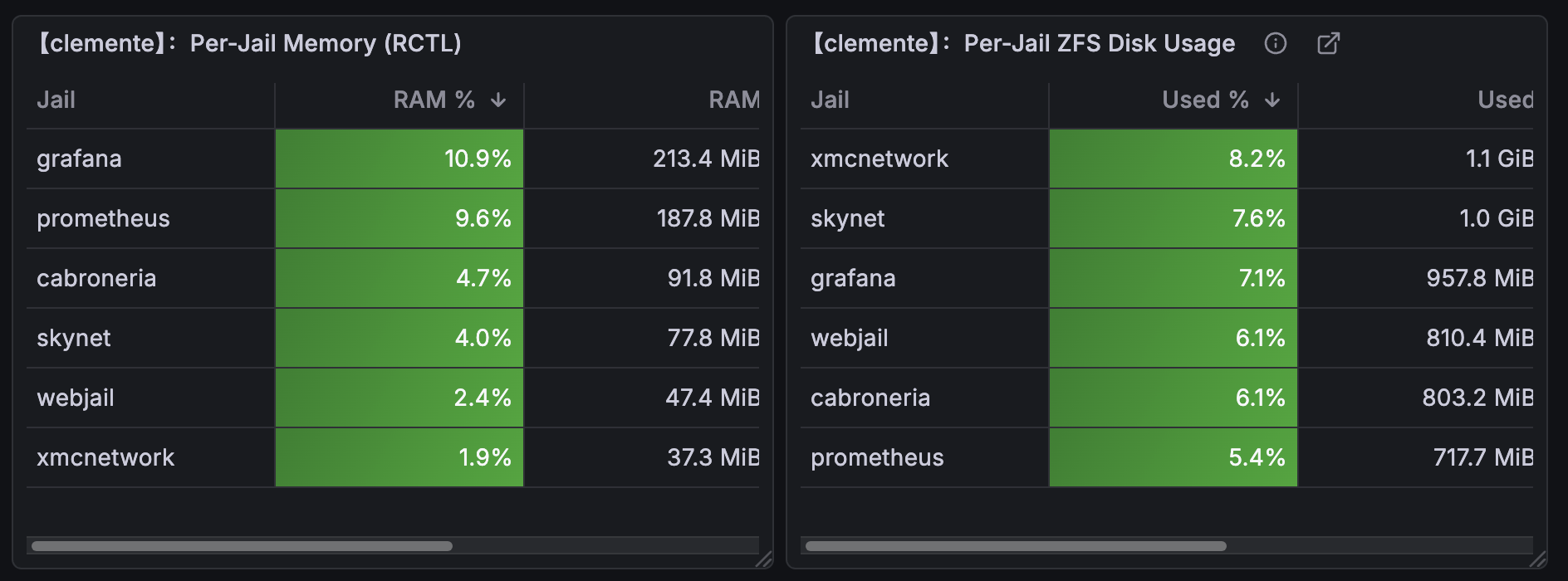
Monitoring ZFS with Grafana

Date: 2026-02-08
Host: grafana
Component: Prometheus + Grafana + exporters +zfs
Scope: ZFS monitoring

ZFS / Zpool Metrics for Prometheus (node-exporter + textfile collector on FreeBSD)

This guide sets up zpool capacity metrics (zpool list) for Prometheus/Grafana using node-exporter’s textfile collector on FreeBSD.

This complements (not replaces) zfs_exporter, which provides ARC/internal ZFS metrics but not pool capacity.


What I Got Working

Metrics exposed to Prometheus:

  • zpool_size_bytes{pool="zroot"}
  • zpool_alloc_bytes{pool="zroot"}
  • zpool_free_bytes{pool="zroot"}
  • zpool_capacity_ratio{pool="zroot"}

These map directly to:

 …

Ungoogled-Chromium on a Jail

Date: 2026-02-08
Host: GhostBSD
Component: Ungoogled-Chrome


Chromey Installer

Note 2025-11-02 23:04:26

This document packages everything needed to install, back up, restore, and run Ungoogled Chromium inside a Bastille jail named chromey, in the JailFox style. After you complete the process, you have a jailed Ungoogled Chromium with full video and audio support, emoji, and fonts.

The process starts with a robust Home backup/restore flow, so your profile and configuration survive rebuilds. Then it covers the templates, scripts, mounts, X11 fixes, and the launchers.

 …
Unbound (sinkhole) on a 🍏 Mac V.2

Introduction to Setting Up Unbound (Sinkhole) on a Mac

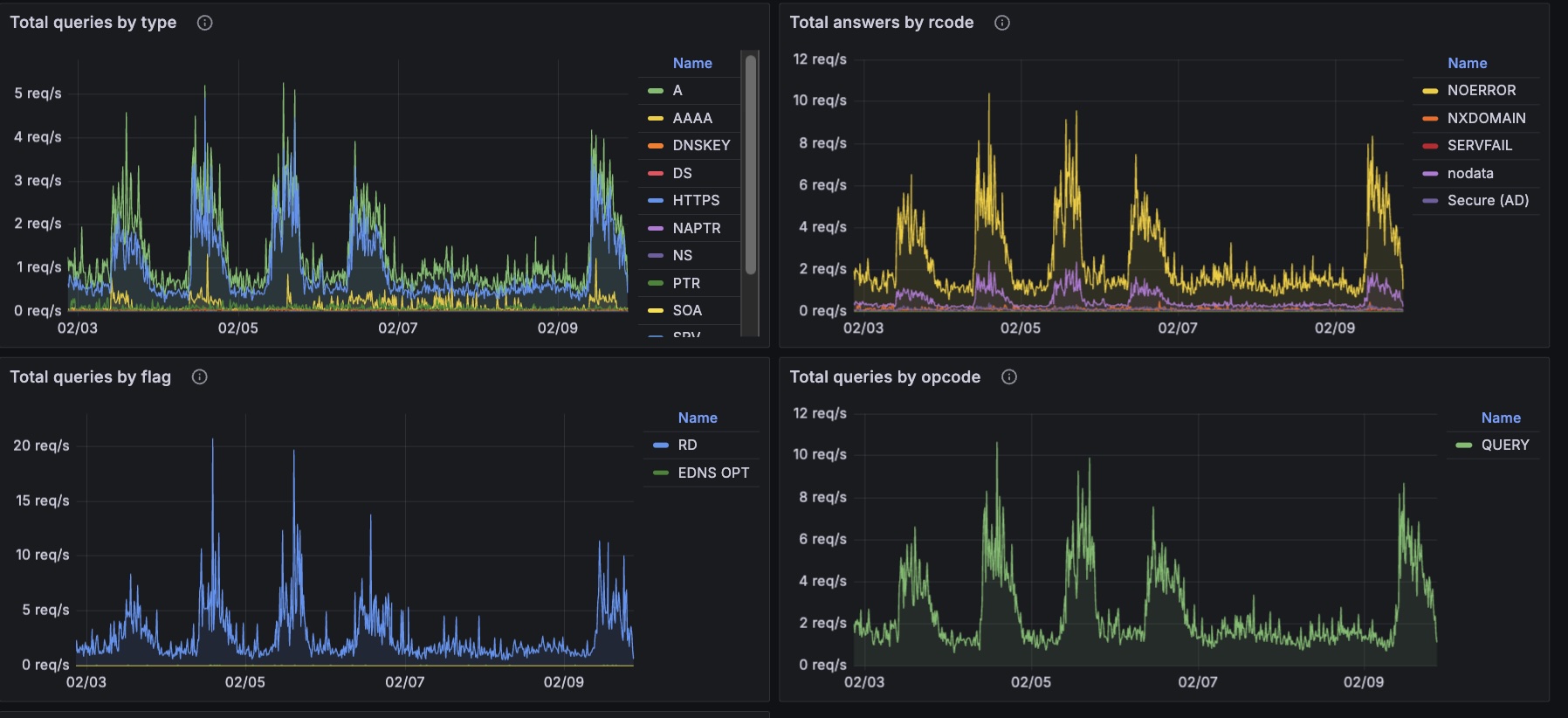
This guide shows you how to set up Unbound on your Mac with MacPorts. Unbound is a validating, recursive, and caching DNS resolver. The primary goal is to create a DNS sinkhole. A DNS sinkhole is a security mechanism that intercepts and blocks malicious traffic. When you configure Unbound on your Mac, you improve your network security. You also enhance privacy with DNS over TLS. You block unwanted ads and trackers.

 …

Fixing doas: not installed setuid on macOS (MacPorts)

Date: 2026-02-08
Host: macOS (MacPorts prefix: /opt/local)
Component: doas (MacPorts)

My WireGuard client app failed to load profiles because the code path relies on doas for privilege escalation. This fix corrects the macOS (MacPorts) doas installation so the client can elevate properly.

doas: not installed setuid

…and exiting with status 1.


Root Cause

On macOS, MacPorts installs doas without the setuid bit by default.

Because doas is not setuid-root, it cannot elevate privileges. I depend on doas and rarely use sudo, so any command that relies on it fails immediately, including:

 …

Fixing a grafana instance on macOS

Date: 2026-02-08
Host: server (macOS Monterey; Homebrew prefix: /usr/local)
Grafana install: Homebrew (/usr/local/opt/grafana)
Grafana data: /usr/local/var/lib/grafana

Grafana (Homebrew on macOS Monterey) & Password Reset + Boot-Time Startup (No GUI Login)


Summary of the fix

  1. The admin password did not work, even after reset attempts.
  2. Grafana ran manually, but it did not run reliably as a user service through brew services. The service needed to start at boot without a desktop login.
  3. We fixed both problems:
  • Reset the password against the actual Brew paths and database that the running server uses.
  • Replace the GUI-bound LaunchAgent approach with a system LaunchDaemon at /Library/LaunchDaemons/... that runs at boot as your user.

Caveats

The password reset reported success but used the wrong database

You can point Grafana at different data directories. In this setup, the running Brew Grafana server uses:

 …